
Online Scheduling for Realtors: Is It Worth Adding to Your Website?
Online Scheduling for Realtors: Is It Worth Adding to Your Website? Trading five emails back and forth just to set up a 15-minute buyer consultation is a guaran
Online Scheduling for Realtors: Is It Worth Adding to Your Website?
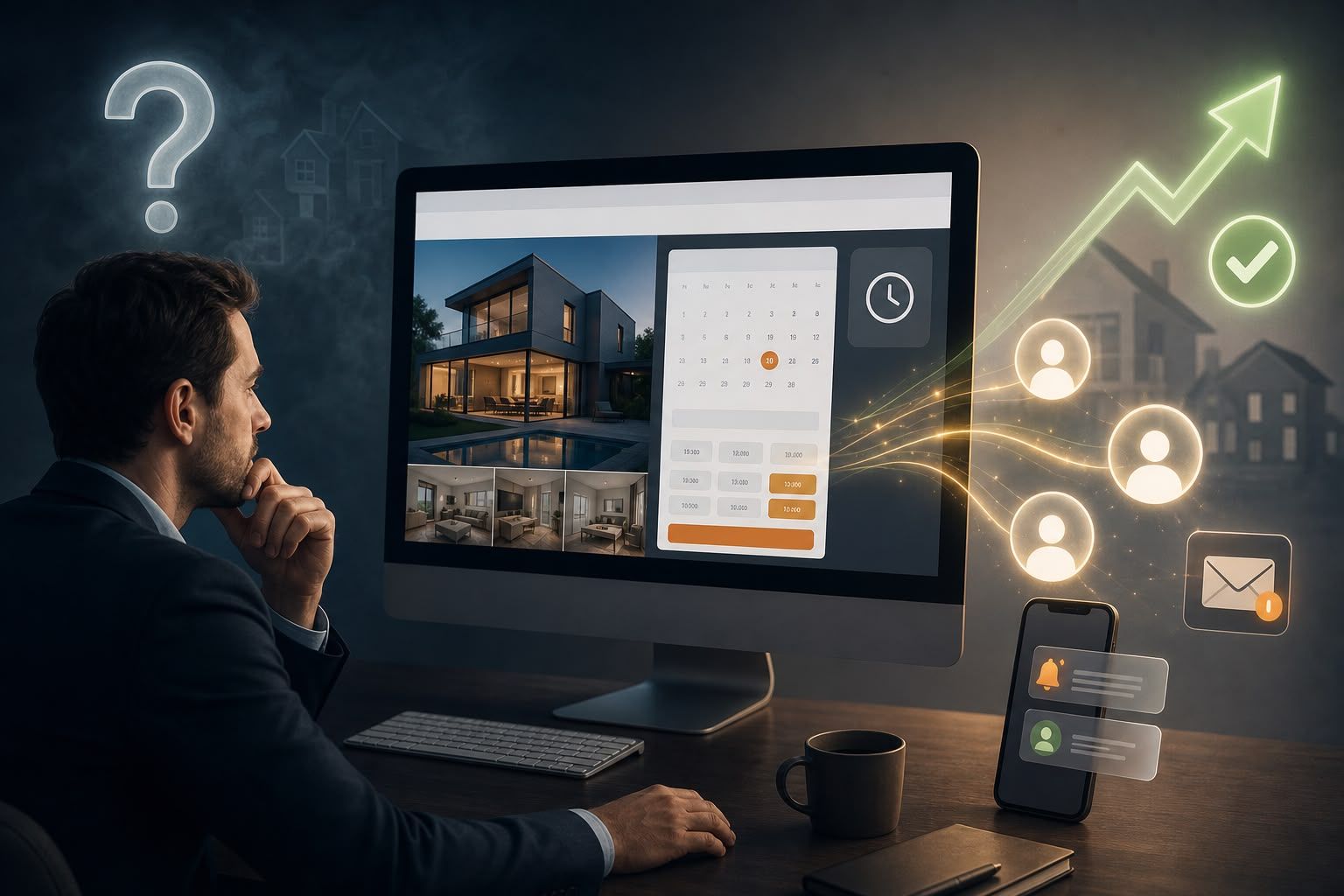
Trading five emails back and forth just to set up a 15-minute buyer consultation is a guaranteed way to lose warm leads. An embedded calendar lets serious clients pick an available appointment slot in seconds while they're actively browsing your site.
1. Eliminate Email Tag
Stop wasting time matching calendars. Let clients self-select open slots on your schedule, eliminating the back-and-forth friction required to set up a discovery call.
2. Define Specific Appointment Types
Ditch generic "Book Time" buttons. Offer clear options like "15-Min Buyer Strategy Call," "Home Valuation Review," or "Private Showing Request" so clients know exactly what to expect.
3. Two-Way Calendar Synchronization
Connect scheduling tools directly to Google Calendar or Outlook. Real-time availability checks prevent double-bookings and ensure clients only see slots when you are actually free.
4. Strategic Call-to-Action Placement
Don't hide calendar links on a isolated contact page. Embed booking widgets on listing pages, home valuation tools, neighborhood guides, and your email signature where buying intent is highest.
5. Keep Alternative Contact Options Open
Not every client wants to book a calendar slot. Keep tap-to-call buttons and short 2-field contact forms visible so phone-first buyers and sellers can reach out immediately.
6. Fast Mobile Booking Layout
Most real estate traffic happens on smartphones. Ensure your booking widget loads fast on mobile screens with large touch targets and a simple two-step confirmation flow.
7. Automated CRM & SMS Reminders
Sync bookings directly into Follow Up Boss or your CRM. Automated SMS and email confirmations reduce no-shows and keep your pipeline organized without manual admin work.
Eliminate Friction and Book More Calls
Simplifying the appointment process turns passive web traffic into real client conversations. Formwork builds real estate websites with integrated booking widgets, automated CRM syncing, and high-converting landing pages.
Frequently Asked Questions
Should every Realtor website offer online booking?
Yes, if you regularly conduct phone calls, buyer consultations, or listing presentations. Self-service booking removes friction for busy clients who want to book after hours.
Where is the best place to put a booking button on a real estate website?
Place booking buttons prominently in your main menu, on valuation confirmation pages, at the end of neighborhood guides, and directly on listing detail pages.
Can online scheduling tools connect directly to Follow Up Boss or real estate CRMs?
Yes. Modern scheduling tools sync via API or webhooks to automatically create lead profiles, tag consultation types, and trigger automated follow-up sequences.